Session
The session is the working screen. Pick a workspace and session on the left, choose a model and connected account at the top, then send a request.
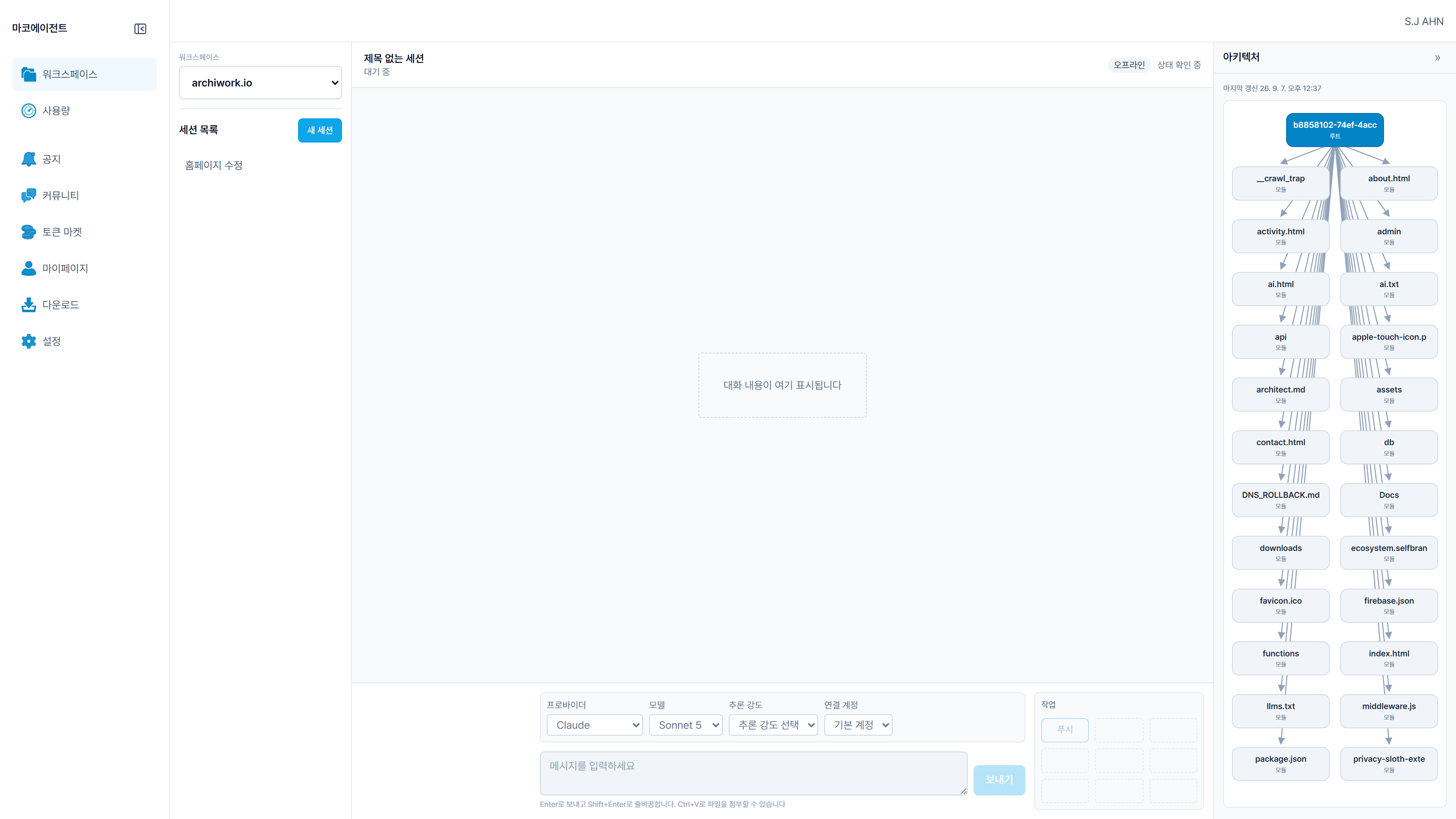
Model and account together
Account selection sits next to the model picker. If a provider has more than one account, you choose which one this request uses.
Tools wait for approval
File reads, edits, and commands show their target and details first, then run after a one-time or session-long approval.
Push from the session
You can push the current branch commit of the connected repository. Rejection, auth failure, and overlapping work are explained separately.